
Introduction
Writing a Steam Deck OLED review feels less like reviewing a gadget and more like reviewing a lifestyle shift. I have been a PC gamer for two decades. My “battlestation” is a massive tower with flashing RGB lights and three monitors. I love it, but as I got older and started working at a desk for 8 hours a day, the last thing I wanted to do at 6 PM was sit at that same desk to play games. My expensive gaming PC became a dust collector.
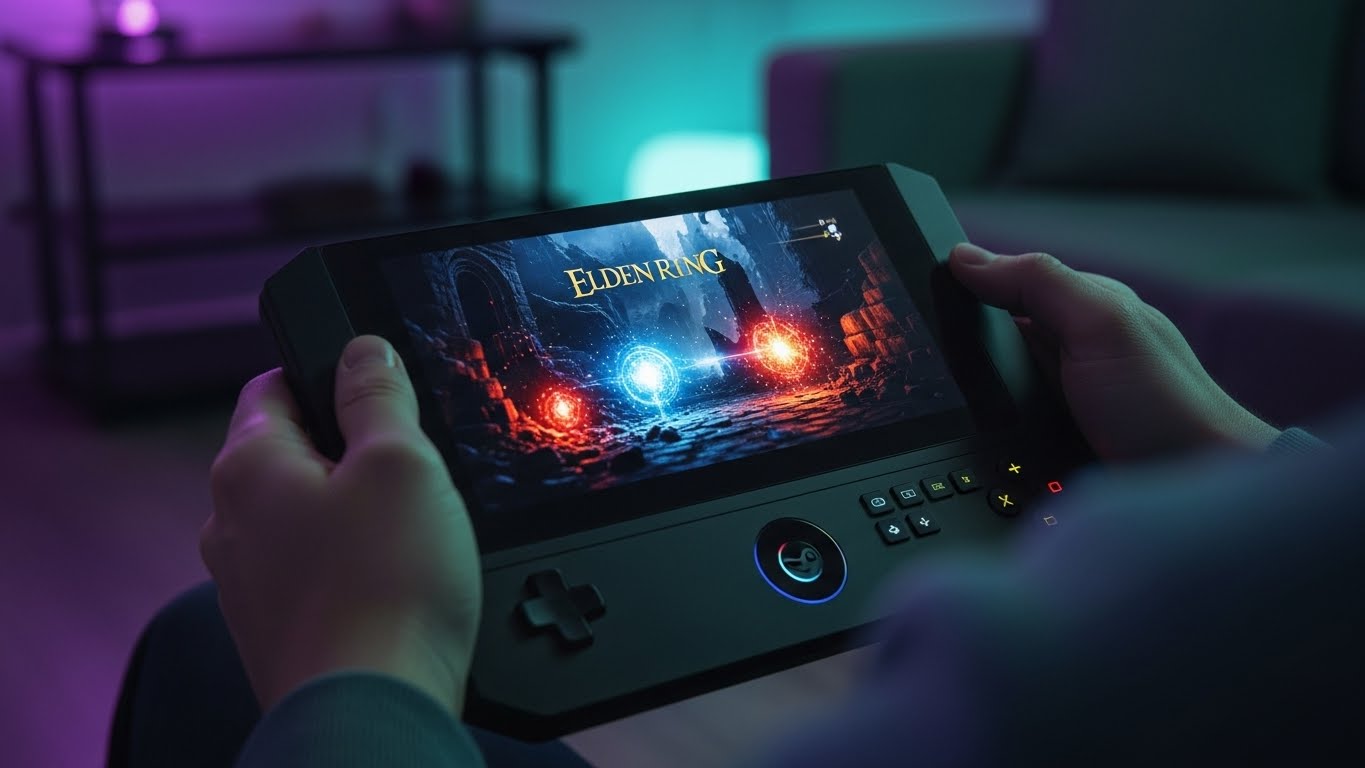
Then I bought the original Steam Deck, and it liberated me. I could play Elden Ring on the couch while my wife watched TV. I could play Cyberpunk 2077 on a plane. But it had flaws: a washed-out screen, terrible battery life, and a noisy fan.
Enter the Steam Deck OLED. Valve didn’t just swap the screen; they overhauled the entire internal architecture. But is it worth the upgrade if you own the original? And how does it stack up against powerful Windows rivals like the ASUS ROG Ally?
In this comprehensive 1200-word deep dive, I will break down the stunning HDR display technology, the Linux-based SteamOS magic, and the real-world battery tests to help you decide if this is the ultimate gaming device for 2025.
1. The Display: Why OLED Changes Everything
The most critical part of any Steam Deck OLED review is the screen. The original Deck had an LCD screen that was… fine. It was serviceable. The new OLED screen is arguably the best display on any gaming handheld, period.
The Science of OLED vs. LCD: In a traditional LCD (Liquid Crystal Display), there is a backlight that shines through the pixels. Even when displaying “black,” the light is still on, resulting in a dark gray. In an OLED (Organic Light-Emitting Diode), each pixel generates its own light. To show black, the pixel simply turns off.
This results in “infinite contrast.” Colors pop with a vibrancy that makes the old model look like it has a grey filter over it. Plus, the new screen supports HDR (High Dynamic Range) with a peak brightness of 1,000 nits. Playing a dark, atmospheric game like Resident Evil 4 on this screen is a revelation. The shadows are ink-black, and the fires sear your retinas (in a good way). It also got a refresh rate bump from 60Hz to 90Hz, making movement feel buttery smooth.

2. Battery Life: The “Die Shrink” Efficiency
The biggest complaint about the original Deck was that it died in 90 minutes if you played a AAA game. The OLED model fixes this, but not just by making the battery bigger (though they did that too, from 40Whr to 50Whr).
The real magic is the 6nm APU. The original processor was built on a 7nm process. The new one uses a 6nm process. In chip manufacturing, smaller usually means more efficient. This “die shrink” means the chip generates less heat and uses less power to deliver the same performance.
My Real-World Test:
-
Game: Cyberpunk 2077 (High Settings)
-
LCD Model: Dead in 1 hour 40 minutes.
-
OLED Model: Lasted 2 hours 50 minutes.
That extra hour is the difference between a flight from New York to Chicago and a flight where your device dies over Ohio. For lighter indie games like Stardew Valley, I consistently get 8+ hours. This efficiency makes the Steam Deck OLED review verdict easy for travelers: it is finally a true portable.
3. SteamOS vs. Windows: The Console Experience
This is where the Steam Deck destroys its competitors like the ASUS ROG Ally or Lenovo Legion Go. Those devices run Windows 11. Windows is fantastic for desktop productivity, but it is a nightmare on a 7-inch touchscreen. It is clunky, buggy, and sleep mode rarely works properly.
The Steam Deck runs SteamOS, a custom operating system based on Linux. It provides a “Console-like” experience. You turn it on, you see your games, you click play. It just works.
The Magic of Proton: You might ask, “But PC games are made for Windows, how do they run on Linux?” Valve developed a compatibility layer called Proton. It translates Windows game instructions into something Linux can understand in real-time. It is technological black magic. Because of Proton, thousands of games run flawlessly out of the box. You get the vast library of a PC with the ease of use of a Nintendo Switch.

4. Ergonomics and Haptics: Subtle but Significant
At first glance, the shell looks the same. But holding it reveals the tweaks. The OLED model is 30 grams lighter. That doesn’t sound like much, but when you hold a device up for hours, it matters. The thumbsticks have been redesigned with a gripper texture and a taller profile for better precision in First Person Shooters.
The haptics (vibration) have also been improved. On the old model, the trackpads buzzed annoyingly. On the OLED, they provide subtle, high-fidelity clicks that mimic the feel of a physical button. It’s these small quality-of-life improvements that elevate the Steam Deck OLED review score from “Good” to “Masterpiece.”
5. The Download Speed Upgrade (Wi-Fi 6E)
If you have a modern router, this upgrade is massive. The OLED model supports Wi-Fi 6E. On the old LCD model (Wi-Fi 5), downloading a 100GB game like Red Dead Redemption 2 took me about 45 minutes to an hour. On the OLED model connected to my Wi-Fi 6E router, it downloaded in 18 minutes.
This reduces the “friction” of gaming. You don’t have to plan your downloads overnight. You can think, “I want to play that,” click install, go make a sandwich, and it’s ready when you come back.

6. Who Should Buy This? (Comparison)
-
The PC Gamer: If you have a massive Steam library, this is a no-brainer. It extends your hobby away from the desk.
-
The Console Gamer: If you are used to a Switch or PS5, SteamOS is friendly enough for you. You don’t need to know what a “driver” is to enjoy it.
-
The Tinkerer: Because it is a Linux PC, you can switch to “Desktop Mode” and use it as a full computer. I have hooked mine up to a monitor, mouse, and keyboard to write articles (ironically, including parts of this Steam Deck OLED review).
Who should buy the ASUS ROG Ally instead? If you only play games on Xbox Game Pass or games with strict Anti-Cheat systems (like Call of Duty or Fortnite) that don’t support Linux, the Windows-based ROG Ally is a better fit, despite the worse battery life and screen.
Frequently Asked Questions (FAQs)
Q: Can I play non-Steam games on it? A: Yes. It takes a bit of tinkering (Desktop Mode), but you can install the Epic Games Store, GOG, or Battle.net. Tools like “Heroic Games Launcher” make this easier.
Q: Is the 512GB or 1TB model better? A: The 512GB OLED is the sweet spot ($549). You can easily expand storage cheaply with a MicroSD card. Games run surprisingly well off an SD card with minimal load time differences.
Q: Does it get hot? A: The OLED model runs significantly cooler than the LCD model thanks to a larger fan and the efficient 6nm chip. The fan is also much quieter—no more high-pitched whine.
Q: Can I use it as a work PC? A: Yes. Buy a USB-C dock, plug in a monitor and keyboard, and you have a fully functional Linux desktop capable of web browsing, document editing, and light coding.
Conclusion
The Steam Deck OLED is not just a refresh; it is the definitive version of the vision Valve had three years ago. By fixing the screen, battery, and fan noise, Valve has created the best handheld gaming device on the market. It offers the freedom to play serious games anywhere, respecting both your time and your intelligence. If you have been on the fence, now is the time to jump in. The Steam Deck OLED review verdict is absolute: It is a triumph.