
Introduction
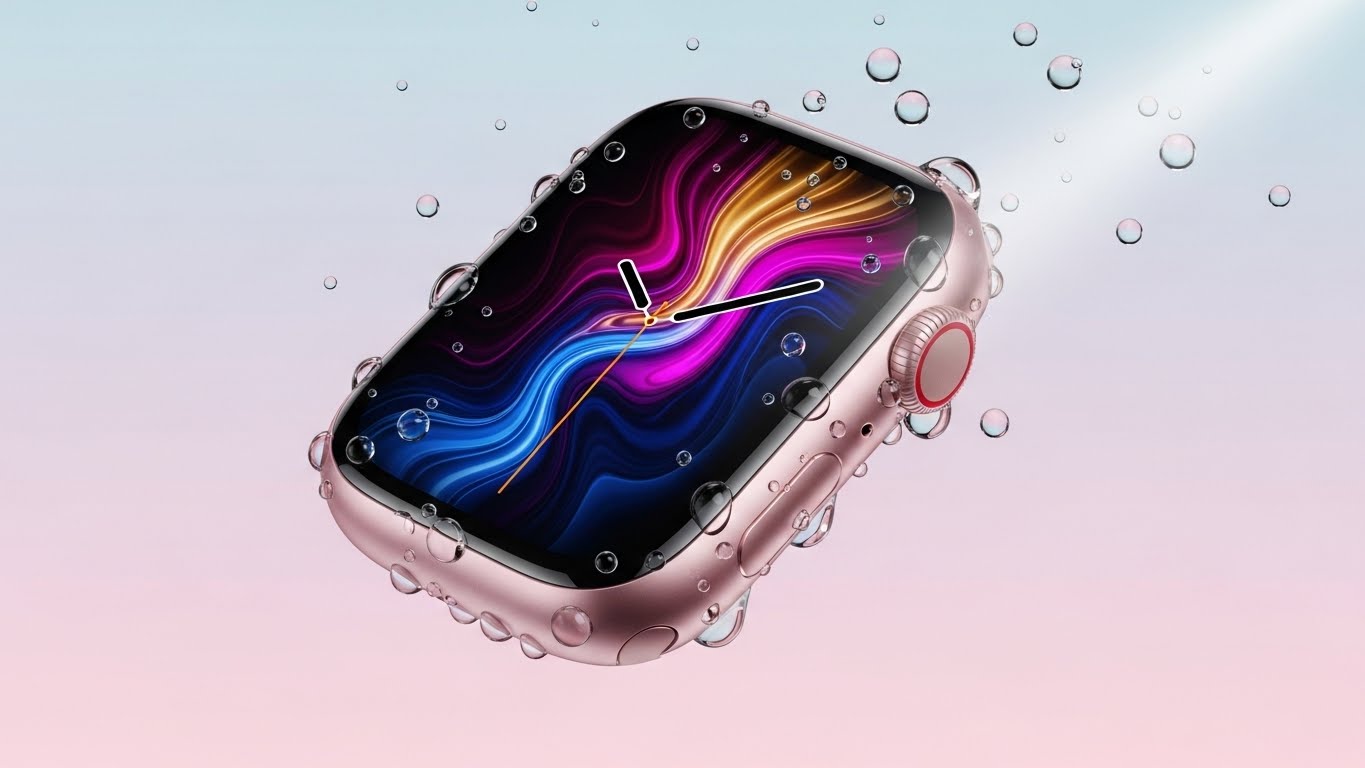
If you are reading this Apple Watch Series 9 review, you are likely asking yourself one burning question: “Is this actually different from the watch I already own?” I have worn an Apple Watch since Series 3. Every September, I tune into the Apple Event, hoping for a hologram projector or a battery that lasts a week. And every year, I get… a slightly brighter screen.
At first glance, the Series 9 looks exactly like the Series 8, which looked exactly like the Series 7. It feels like Apple has hit a wall of innovation. But after wearing the Series 9 exclusively for two months, I realized that the upgrades this year aren’t visible to the naked eye—they are hidden inside.
This isn’t just a spec bump; it’s a shift in how we interact with technology. The new S9 chip and the magical “Double Tap” gesture are attempting to make the watch hands-free. In this deep-dive review, I will break down the real-world performance, the science behind the new sensors, and help you decide if it’s worth dropping $399 on this familiar-looking square of glass.
1. The “Double Tap” Gesture: Magic or Gimmick?
Let’s start with the headline feature. Double Tap allows you to control the watch by tapping your index finger and thumb together twice. You don’t touch the screen. You don’t use your other hand.
How does it work? According to Apple’s Engineering team, the new S9 SiP (System in Package) uses the accelerometer, gyroscope, and optical heart sensor to detect the tiny changes in blood flow and wrist movement when you pinch your fingers. It is essentially reading your veins.
My Real-World Experience: I thought this was a gimmick until I was carrying two bags of groceries and my wife called. Usually, I’d have to put the bags down to tap “Answer” with my nose (don’t judge me). With Series 9, I just pinched my fingers, and the call answered. I pinched again to hang up. It works for:
-
Stopping timers.
-
Playing/Pausing music.
-
Scrolling through the “Smart Stack” of widgets.
It isn’t perfect (it sometimes fails when I’m lying in bed), but it solves a real problem: one-handed usage.

2. The Screen: 2000 Nits of Brightness
The Series 9 display can now hit 2000 nits of peak brightness. For context, the Series 8 only hit 1000 nits. This puts it on par with the first-generation Apple Watch Ultra.
Why does this matter? If you live in a sunny climate or exercise outdoors, this is a game-changer. I went for a run at high noon in direct sunlight. On my old Series 6, I had to squint and shade the watch to see my pace. On the Series 9, the text was crisp, legible, and punched right through the glare.
Conversely, it can also dim down to 1 nit. This is excellent for movie theaters or checking the time in bed without blinding your partner with a “wrist flashlight.”
3. On-Device Siri: Faster and More Private
In the past, asking Siri to “start a workout” meant your voice was sent to the cloud, processed, and sent back. If you had bad reception, Siri would just spin and fail.
Thanks to the S9 chip’s new 4-core Neural Engine, Siri requests are now processed on the device.
-
Speed: It is instant. Dictating text messages feels snappier.
-
Privacy: Your health queries (“Siri, what is my heart rate?”) stay on your wrist. They don’t go to Apple’s servers.
-
Offline Access: You can finally use Siri to set timers or start workouts even if you left your phone at home and don’t have cellular data.
4. Health Sensors: Still the Gold Standard
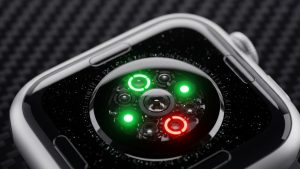
While there are no new health sensors this year (no blood pressure monitoring yet, sadly), the existing suite remains the best in the industry.
-
ECG app: FDA-cleared for detecting atrial fibrillation (AFib).
-
Blood Oxygen: Monitors your SpO2 levels (though this feature is currently subject to patent legal battles in the US, international models still have it).
-
Temperature Sensing: Primarily used for retrospective ovulation estimates for women’s health.
I compared the heart rate data against a dedicated Polar H10 chest strap during a HIIT workout. The Apple Watch Series 9 was accurate to within 1-2 beats per minute. It is effectively a medical-grade device on your wrist.
5. Battery Life: The Same Old Story
If there is one major disappointment in this Apple Watch Series 9 review, it is the battery. Apple claims “All Day Battery” (18 hours). In my testing:
-
7:00 AM: Put it on at 100%.
-
Usage: 1-hour GPS workout, notifications on, Always-On Display active.
-
10:00 PM: I was at 35%.
You still have to charge it every single day. If you want multi-day battery life, you have to buy the Apple Watch Ultra 2 or switch to a Garmin. However, the Fast Charging helps. You can go from 0% to 80% in about 45 minutes. I usually charge it while I shower and get ready in the morning, which is enough to get me through the day and sleep tracking at night.
6. Precision Finding: Never Lose Your Phone Again
If you own an iPhone 15, the Series 9 unlocks “Precision Finding.” The new Ultra Wideband (UWB) chip essentially turns your watch into a radar detector for your phone. Instead of just pinging a sound, the watch shows you the distance and direction (e.g., “12ft to your right”). As someone who loses their phone in sofa cushions daily, this feature brings me an unreasonable amount of joy.
Frequently Asked Questions (FAQs)
Q: Should I upgrade from the Series 8? A: No. The Series 9 is faster and has Double Tap, but unless you need the brighter screen or on-device Siri, the Series 8 is still excellent. Save your money.
Q: Should I upgrade from the Series 4, 5, or 6? A: Yes. The jump in speed, screen size (edge-to-edge), Always-On display brightness, and battery health will be a massive upgrade for you.
Q: Does it work with Android? A: No. The Apple Watch is strictly an iPhone accessory. If you have an Android, look at the Samsung Galaxy Watch 6 or Google Pixel Watch 2.
Q: Is it waterproof? A: It is “swim-proof” (WR50). You can swim in a pool or ocean with it, but don’t take it scuba diving or waterskiing (high-velocity water). For deep diving, you need the Ultra.
Conclusion
The Apple Watch Series 9 is not a revolution; it is a refinement. It is the best smartwatch for iPhone users, period. While the battery life is still stuck in 2015, the S9 chip, the incredibly bright display, and the genuinely useful Double Tap gesture make it a worthy upgrade for anyone holding onto an older model. It sits comfortably as the king of wearables—at least for another year.