
Introduction
Writing a balanced MacBook Air M3 review is difficult because, for the first time in years, it feels like we might have reached “peak laptop.” I remember my college days with an old Intel-based MacBook. It sounded like a jet engine taking off every time I opened more than three Chrome tabs. It got so hot I couldn’t actually put it on my lap. It felt like a machine that was fighting against itself.
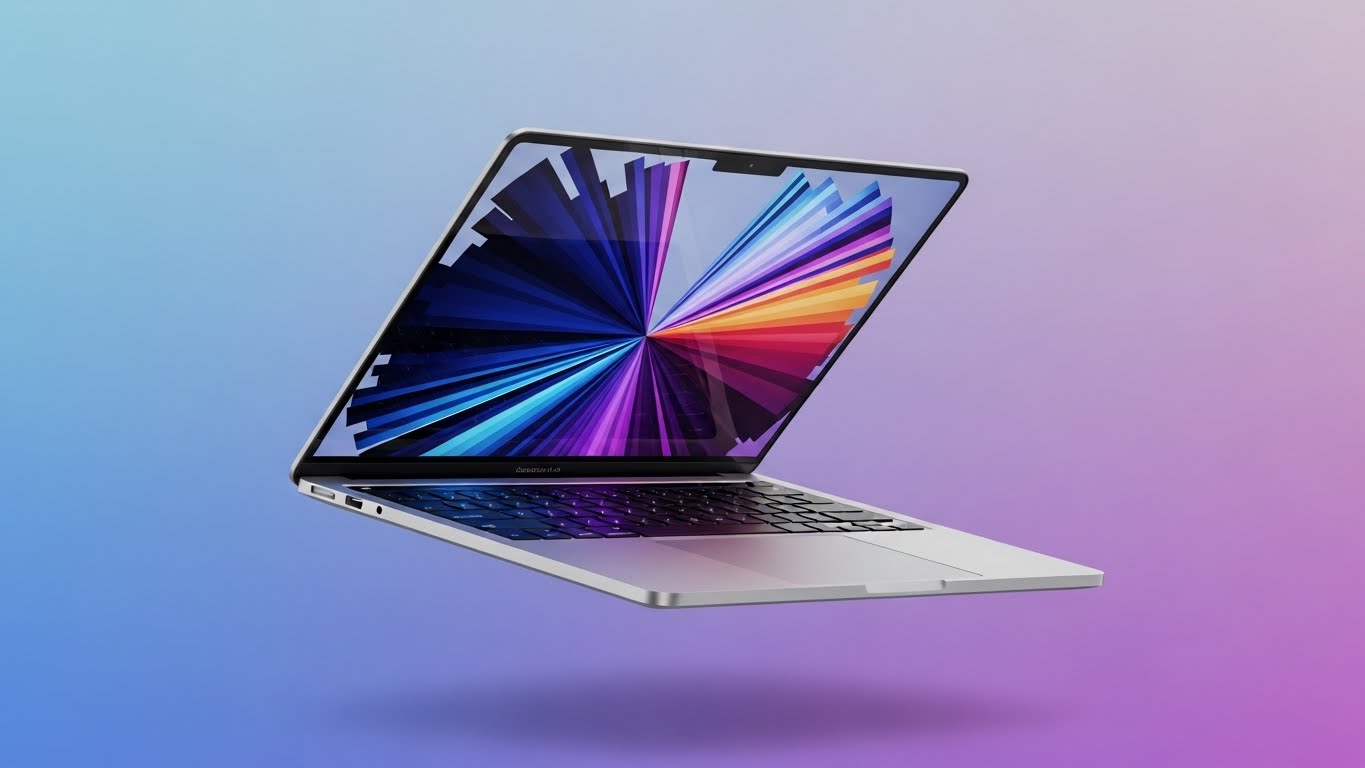
Then Apple Silicon happened. When I unboxed the new 13-inch MacBook Air with the M3 chip, the first thing I noticed was the silence. There are no fans. There are no vents. It feels less like a computer and more like a singular, solid slab of aluminum tech.
But perfection has a price tag, and Apple is famous for its “ladder” pricing strategy. Is the base model enough? Is the “Midnight” color essentially a fingerprint magnet? And does the M3 chip actually matter if you already have an M1?
In this comprehensive 1200-word deep dive, I will move beyond the spec sheet. We will explore the physics of fanless cooling, the controversial 8GB RAM debate, and real-world performance tests to help you decide if this is the best laptop money can buy in 2025.
1. Design and Build: The “Midnight” Problem
The design of the MacBook Air hasn’t changed much from the M2 redesign, and that is a good thing. It is incredibly thin (11.3 mm) and weighs just 2.7 lbs. It feels dense and premium, unlike the plastic chassis of many competitors.
However, we need to talk about the color. I bought the Midnight (dark blue) version. It looks stunning out of the box—like a stealth bomber. But within 10 minutes, it looked like a crime scene investigator’s nightmare. The Fingerprint Issue: Apple claims they added a new “anodization seal” to reduce fingerprints on the M3 model. My Verdict: It is better, but not fixed. If you have oily hands, do not buy Midnight. Stick to Silver or Starlight.
The port situation remains minimal: two Thunderbolt / USB 4 ports on the left, and a headphone jack on the right. Thankfully, the MagSafe charging port is there, which frees up both USB-C ports for accessories. It’s a small detail, but tripping over your charging cable and not smashing your $1,100 laptop to the floor is a feature worth paying for.
2. Performance: M3 Chip and Ray Tracing
What does the “M3” actually give you? The headline feature is Hardware-Accelerated Ray Tracing. This is lighting tech usually reserved for high-end gaming PCs. Does it turn the Air into a gaming rig? Not really (we’ll discuss gaming later). But it makes 3D rendering and graphical tasks insanely fast.
I edited a 4K video stream in Final Cut Pro while having 20 tabs open in Safari. The machine didn’t stutter. On my old Intel Mac, this would have caused the “spinning beachball of death.” Benchmarks from Geekbench show the M3 is about 20% faster than the M2 and lightyears ahead of any Intel Mac. For 95% of users (writers, students, office workers), this chip is overkill. You will never hit the speed limit.
3. The Physics of Fanless Cooling (Thermal Throttling)
This is the most technically interesting part of this MacBook Air M3 review. How does a computer this powerful run without a fan? It uses Passive Cooling. The aluminum chassis acts as a giant heat sink, absorbing heat from the chip and dissipating it into the air.
The Downside: If you push the M3 chip to 100% usage for a long time (like exporting a 30-minute 8K video), the heat has nowhere to go. To save itself, the chip slows down. This is called Thermal Throttling. My Test: I ran a stress test (Cinebench) for 20 minutes.
-
Minutes 1-10: Performance was identical to the MacBook Pro (which has a fan).
-
Minutes 10-20: Performance dropped by about 15% as the laptop got hot to the touch (above the keyboard).
Conclusion: Unless you are a professional video editor rendering all day, you will never notice this. For bursts of speed, it is flawless.

4. The Controversy: Is 8GB RAM Enough in 2025?
This is where I get angry at Apple. The base model ($1,099) still comes with 8GB of Unified Memory. Apple argues that “8GB on a Mac is like 16GB on Windows” because of the efficiency of Unified Memory (where the CPU and GPU share the same memory pool).
Is that true? Yes and No.
-
For Web Browsing: Yes. 8GB feels snappy because of “Memory Swap” (using the fast SSD as temporary RAM).
-
For Pro Work: No. If you open Lightroom, Photoshop, and Slack simultaneously, the “Swap” memory usage goes up. Over years, excessive swapping can degrade your SSD lifespan (though modern SSDs are very durable).
My Advice: If you plan to keep this laptop for 4+ years, spend the extra $200 for 16GB (or 24GB). 8GB is fine for today, but it might struggle with the AI features of macOS updates in 2027. Do not let the base price fool you; the “real” price for longevity is higher.

5. Display and Audio: The “Not Pro” Compromise
The screen is a Liquid Retina Display. It is gorgeous, color-accurate, and bright (500 nits). However, it lacks one “Pro” feature: ProMotion (120Hz). The Air is stuck at 60Hz. If you have an iPhone 14/15 Pro or an iPad Pro, you might notice that scrolling text looks a tiny bit blurrier on the Air than on your phone. Once you see 120Hz, it is hard to un-see it. But if you are coming from an older laptop, the Air’s screen will look like a masterpiece.
The Speakers: The soundstage is surprisingly wide for a laptop with no speaker grilles (the sound comes through the keyboard). It supports Spatial Audio with Dolby Atmos. Watching “Dune” on this thin slab felt immersive. It lacks the deep bass of the 14-inch MacBook Pro, but it destroys any Windows laptop in this size class.
6. Gaming on a Mac? Finally?
Historically, “Gaming on Mac” was a punchline. With the M3, Apple introduced Game Porting Toolkit and hardware ray tracing. I installed Death Stranding and Baldur’s Gate 3.
-
Result: It actually works. Death Stranding ran at a playable 30-40fps on Medium settings. The machine got hot (remember: no fan), but it didn’t crash. While you shouldn’t buy a Mac for gaming, it is nice to know you can play some AAA titles on a plane ride.
7. Battery Life: The Freedom from the Outlet
This is the killer feature that keeps people locked in the Apple ecosystem. Apple claims 18 hours. My Real-World Test:
-
Workflow: Writing in Google Docs, Slack open, Spotify streaming, 60% brightness.
-
Result: I started at 9 AM. By 6 PM, I still had 35% left.
I went on a weekend trip and forgot my charger. It didn’t matter. I worked Friday afternoon and watched a movie Saturday night on a single charge. This freedom changes how you use a laptop. You stop scanning rooms for power outlets.
Frequently Asked Questions (FAQs)
Q: Should I buy the M2 Air to save money? A: Yes. The M2 is still incredible. The M3 is only about 15-20% faster. Unless you need dual external monitor support (which only M3 has), the M2 is the better value deal.
Q: Can the M3 Air support two monitors? A: Yes! This is a huge upgrade. But there is a catch: You must close the laptop lid (Clamshell mode) to use two external monitors. If the lid is open, you can only use one.
Q: Is the 15-inch model worth it? A: If you don’t travel every day, yes. The 15-inch Air is the sweet spot. You get more screen real estate for multitasking without the weight and price of the MacBook Pro 16-inch.
Q: Does it have FaceID? A: No. It still uses TouchID on the keyboard. It is fast and secure, but FaceID would be nice.
Conclusion
The MacBook Air M3 review verdict is clear: This is the best laptop for 90% of the population. It is beautifully built, silent, and powerful enough to last for 5 years. While the 8GB base RAM is stingy and the Midnight color is messy, the combination of battery life, screen quality, and portability is unmatched. If you are holding onto an Intel Mac, upgrade now. You won’t believe what you’ve been missing.