
Introduction
Reading a reMarkable 2 review usually starts with a question of value: “Why would I pay $300+ for a tablet that only lets me write, when an iPad can do everything?” I asked myself this exact question. I am a compulsive note-taker. My desk used to be a graveyard of half-filled Moleskine notebooks, sticky notes, and loose papers. I tried using an iPad with an Apple Pencil, but the sensation of plastic sliding on glass felt slippery and unnatural. Plus, every time I sat down to journal, a notification would pop up, and suddenly I was watching YouTube.
I wanted a digital solution that respected my focus. Enter the reMarkable 2. It claims to replace your notebooks and printed documents with the world’s thinnest tablet.
After using it exclusively for three months to write drafts, sketch ideas, and sign contracts, I have a complicated relationship with this device. It is undoubtedly a masterpiece of engineering, but it comes with hidden costs. In this deep-dive review, I will break down the writing experience, the controversial subscription model, and help you decide if this “distraction-free” gadget is the productivity tool you have been waiting for.
1. The Design and Build: Impossibly Thin
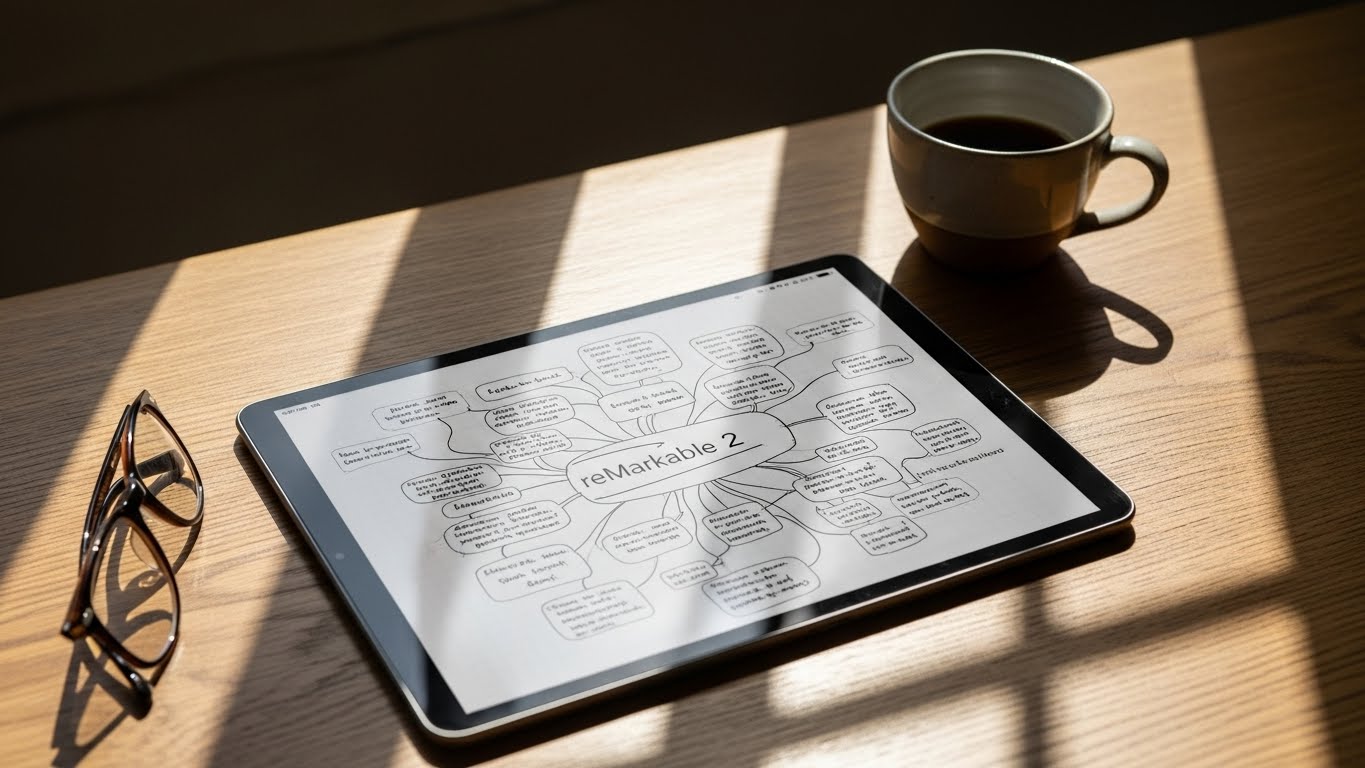
The first time you hold the reMarkable 2, it feels fake. It is 4.7mm thin—thinner than a pencil and significantly thinner than an iPad Air. It weighs roughly 403g, making it feel more like a clipboard than a computer.
The build quality is premium. It has an aluminum spine and a matte finish that screams sophistication. Unlike the glossy screens of standard tablets, the reMarkable has a textured surface designed to mimic the friction of paper.
Why Design Matters: Because it is so light, you can hold it in one hand for hours while reading a PDF. It doesn’t get hot like a laptop. It disappears into the background, which is exactly what a good tool should do. However, there is no backlight. Like real paper, you need a lamp to read it in the dark. This is a dealbreaker for some, but a feature for purists who want to avoid blue light before bed.

2. The Writing Experience: Friction and Sound
This is the main event. Does it feel like paper? Yes. Or at least, it is 95% there. The screen has a high-friction coating. The “Marker” (stylus) has a felt tip that wears down over time, just like a real pencil. When you write, you hear a satisfying scratch-scratch sound.
The Latency Test: According to reMarkable’s engineering data, the latency is around 21 milliseconds. In plain English, this means the ink flows from the pen tip almost instantly. On older e-ink devices, there was a lag that made writing feel drunk. On the reMarkable 2, it feels immediate.
You can rest your palm directly on the screen (Palm Rejection) without making stray marks. It feels so natural that I often try to brush “eraser shavings” off the screen, forgetting it’s digital. If you are an artist or a writer who hates the “glassy” feel of an iPad, this texture alone justifies the purchase.

3. Distraction-Free Philosophy: Feature or Bug?
The reMarkable 2 does not have email. It does not have a web browser. It does not have social media. For many tech reviewers, this is a flaw. For the target audience of this reMarkable 2 review, this is the killer feature.
This device is a “Single-Tasking” machine. When I use my iPad, I am constantly fighting the urge to check Twitter. When I use the reMarkable, my brain enters “Deep Work” mode automatically because there is literally nothing else to do but write or read.
It supports:
-
PDFs and ePUBs: You can read documents and annotate directly on them.
-
Note-taking: With various templates (lined, grid, dots).
-
Sketching: With layers and different brush types (pencil, pen, marker).
It does not support Kindle books (directly) or apps like OneNote. You are locked into their ecosystem.
4. The Hidden Costs: The Marker and Subscription
Here is where the reMarkable 2 gets expensive. The tablet costs $299 (as of late 2024), but it does not come with a pen.
-
The Marker: Costs an extra $79.
-
The Marker Plus: (With a built-in eraser on the back) costs $129.
You need a marker to use it. So the real price is closer to $400. Then there is the “Connect” Subscription. Originally, reMarkable locked basic features like cloud sync behind a monthly fee. After massive backlash, they walked this back. Now, the subscription ($2.99/mo) is optional. Without it, you still get sync, but files not opened in 50 days stop syncing. With it, you get unlimited cloud storage and a protection plan.
My Advice: Buy the tablet and the basic Marker. The eraser on the “Plus” model is nice, but you can just use the “undo” button on the screen to save $50.

5. Software: Handwriting Conversion and Organization
Can it read your messy handwriting? I have terrible handwriting—a mix of cursive and print. The reMarkable 2’s “Convert to Text” feature is shockingly accurate. I wrote a whole page of messy meeting notes, tapped “Convert,” and it turned it into editable text that I could email to my team. It wasn’t perfect (it struggled with bullet points), but it was 90% usable.
Organization: You organize notes into Folders and Notebooks. You can “Tag” pages to find them later. However, the search function is limited. You can search for file names and typed text, but you cannot search your handwritten notes (unlike the iPad app GoodNotes). This is a major omission for a device focused on handwriting.
6. Comparison: reMarkable 2 vs. iPad with Paperlike
This is the main rival. You can buy an iPad and put a matte screen protector (like Paperlike) on it to get friction.
-
iPad + Paperlike: Pros: Color screen, backlight, millions of apps, search handwriting. Cons: Battery lasts 1 day, distractions, eyes strain from backlight.
-
reMarkable 2: Pros: Battery lasts 2 weeks, zero distractions, zero eye strain, better writing feel. Cons: Black and white only, no apps, expensive for a “unitasker.”
If you need to watch videos or reply to emails, get an iPad. If you need to think, write, and focus, get a reMarkable.
Frequently Asked Questions (FAQs)
Q: Can I read Kindle books on it? A: Not natively. You cannot install the Kindle app. However, if you have DRM-free ePUB files, you can transfer them to the device. It is not a good e-reader replacement if you are locked into the Amazon ecosystem.
Q: How long does the battery last? A: Phenomenal. I get about 2 weeks of heavy use on a single charge. It uses power only when the screen refreshes. You can leave it on your desk for days without worrying.
Q: Does it have a backlight? A: No. This is intentional to keep the screen thin and look like paper. You need ambient light to see, just like a physical notebook.
Q: Is it good for drawing? A: For sketching and ideation, yes. For finished art, no. It is black and white (grayscale), and it lacks the advanced layers and tools of Procreate on iPad.
Conclusion
The reMarkable 2 review verdict is simple: It is a luxury item, but a potent one. It replaces the chaos of paper with the organization of digital, without the distractions of a computer. It is expensive for what it does, but what it does (writing), it does better than anything else on the planet. If your job involves thinking, writing, or planning, this device pays for itself in focus alone.